
通过浏览器远程访问Windows桌面(noVNC)
- Windows
- 2022-03-16
- 297热度
- 0评论
相关工具下载:noVNC(通过浏览器远程桌面).zip
Node.js:https://nodejs.org/zh-cn/download/
UltraVnc:https://uvnc.com/downloads/ultravnc.html
noVNC:https://github.com/novnc/noVNC/releases
websockify(js):https://github.com/novnc/websockify-js
websockify(python,本次未用到):https://github.com/novnc/websockify/releases
1、安装 UltraVNC Server,开启服务,并设置连接密码。
2、安装 Node.js 后,CMD 进入 websockify-js-master 目录,安装依赖:
npm install ws
npm install optimist
npm install mime-types
3、将 noVNC 文件夹放入 websockify-js-master 目录。
4、CMD 进入 websockify-js-master 目录,运行:
node.exe websockify\websockify.js --web noVNC-1.3.0 9000 xxx.xxx.xxx.xxx:5900
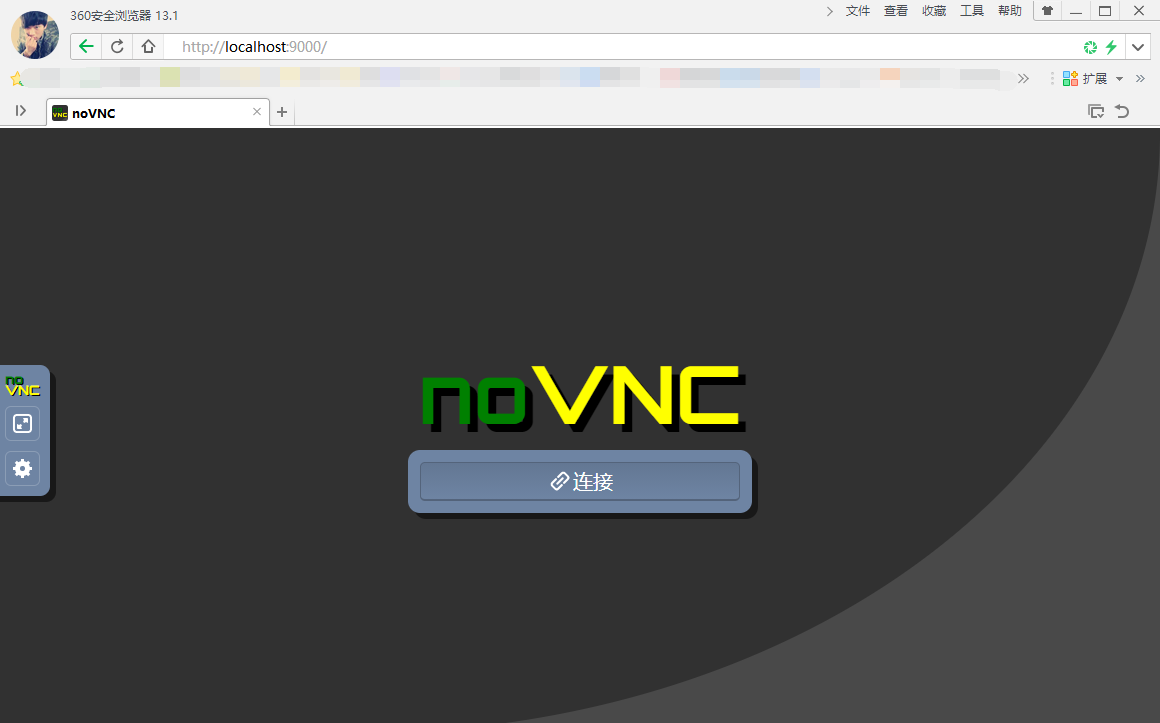
5、浏览器访问:http://localhost:9000/

 鲁ICP备19063141号
 鲁公网安备 37010302000824号