
使用ffmpeg将rtsp流转码为rtmp在浏览器播放
- FFmpeg
- 2020-08-22
- 265热度
- 0评论
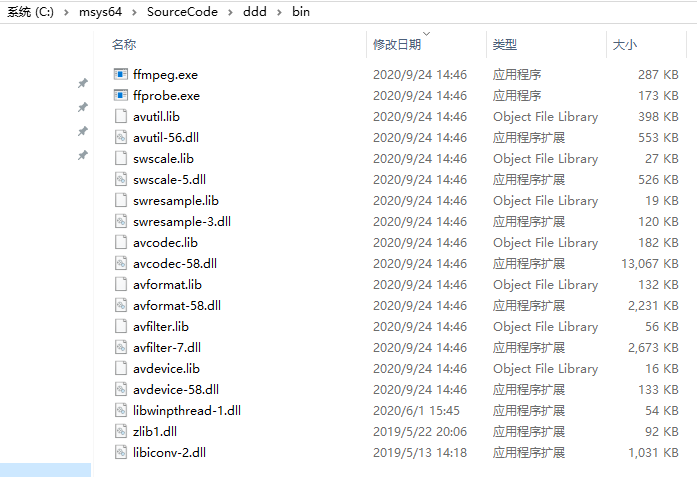
1、安装ffmpeg,并配置环境变量(省略)
2、下载nginx + nginx-rtmp-module
nginx-rtmp-module:https://github.com/illuspas/nginx-rtmp-win32
可直接下载:nginx-rtmp-win32-dev.zip
3、配置nginx.conf:
worker_processes 1;
error_log logs/error.log info;
events {
worker_connections 1024;
}
rtmp {
server {
listen 1935;
application live {
live on;
}
application hls {
live on;
hls on;
hls_path temp/hls;
hls_fragment 8s;
}
}
}
http {
server {
listen 8080;
location / {
root html;
}
location /stat {
rtmp_stat all;
rtmp_stat_stylesheet stat.xsl;
}
location /stat.xsl {
root html;
}
location /hls {
#server hls fragments
types{
application/vnd.apple.mpegurl m3u8;
video/mp2t ts;
}
alias temp/hls;
expires -1;
}
}
}
说明:
RTMP监听 1935 端口,启用live 和hls 两个application。
HTTP监听 8080 端口。
:8080/stat 查看stream状态
:8080/index.html 为一个直播播放与直播发布测试器
:8080/vod.html 为一个支持RTMP和HLS点播的测试器
4、控制台执行nginx.exe
5、开始推流
ffmpeg -rtsp_transport tcp -i rtsp://admin:admin123@192.168.5.28/h265/ch1/sub/av_stream -vcodec copy -acodec copy -f flv rtmp://127.0.0.1:1935/live/rtmpstream2
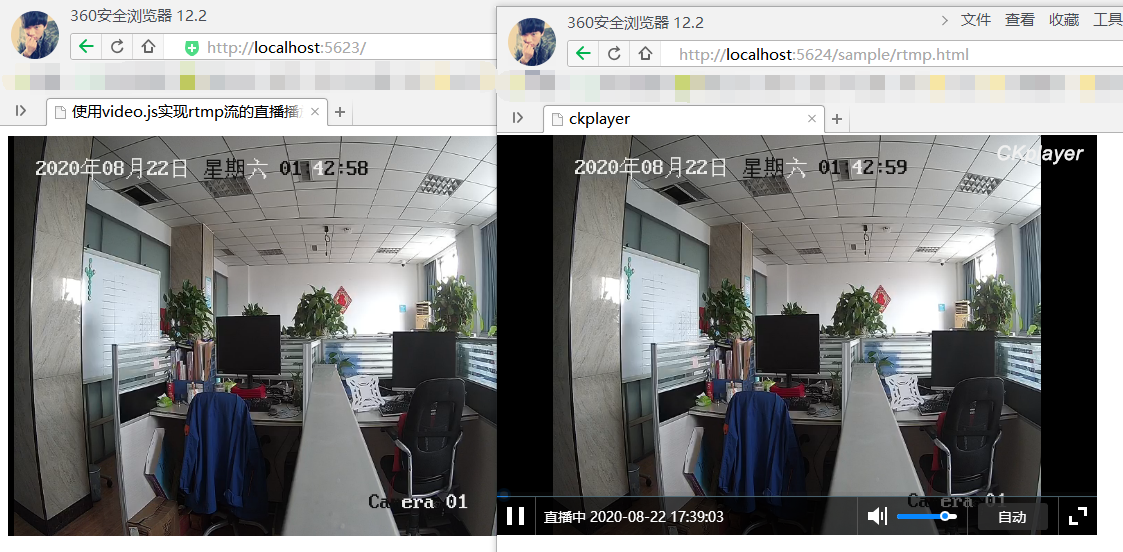
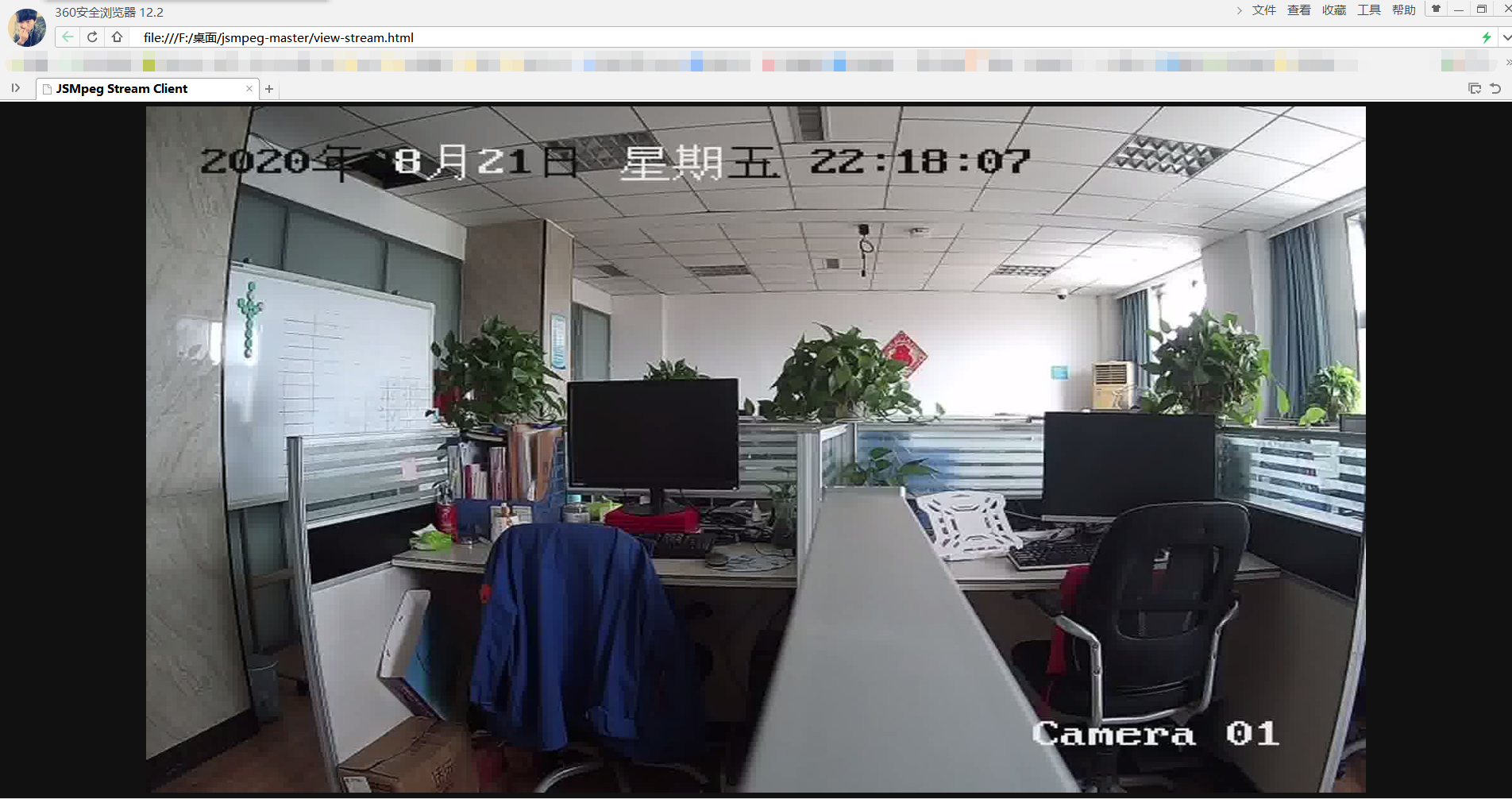
6、视频预览可使用:vlc、video.js、ckplayer等

 鲁ICP备19063141号
 鲁公网安备 37010302000824号